
17
Apr
ERP
8 Min Read

Most eCommerce problems don’t start on the storefront; they start in the backend.
Orders come in, but inventory lives somewhere else, finance runs on a different system, and reports never match. Teams spend time reconciling data instead of acting on it. As stores grow, these gaps don’t disappear; they widen.
This is where integration becomes necessary for your business.
Platforms like Shopify handle the frontend well, while systems like ERPNext manage operations, finance, and supply chains. They work independently. The friction shows up when these systems aren’t connected.
Integrating eCommerce with ERP removes manual data handling, reduces operational silos, and closes reporting gaps. Once integrated, teams can fix errors before they happen.
That shift is what turns an online store into a scalable business system.
Shopify and ERPNext integration usually comes up when selling and operations stop lining up.
Through our ERPNext integration services, we ensure seamless synchronization between platforms so your orders, inventory, customer data, and financial records stay aligned in real time.
Orders are placed on the storefront, but inventory lives elsewhere. Finance works with different numbers. Teams spend time checking what moved, what didn’t, and why.
The integration exists to close that gap.
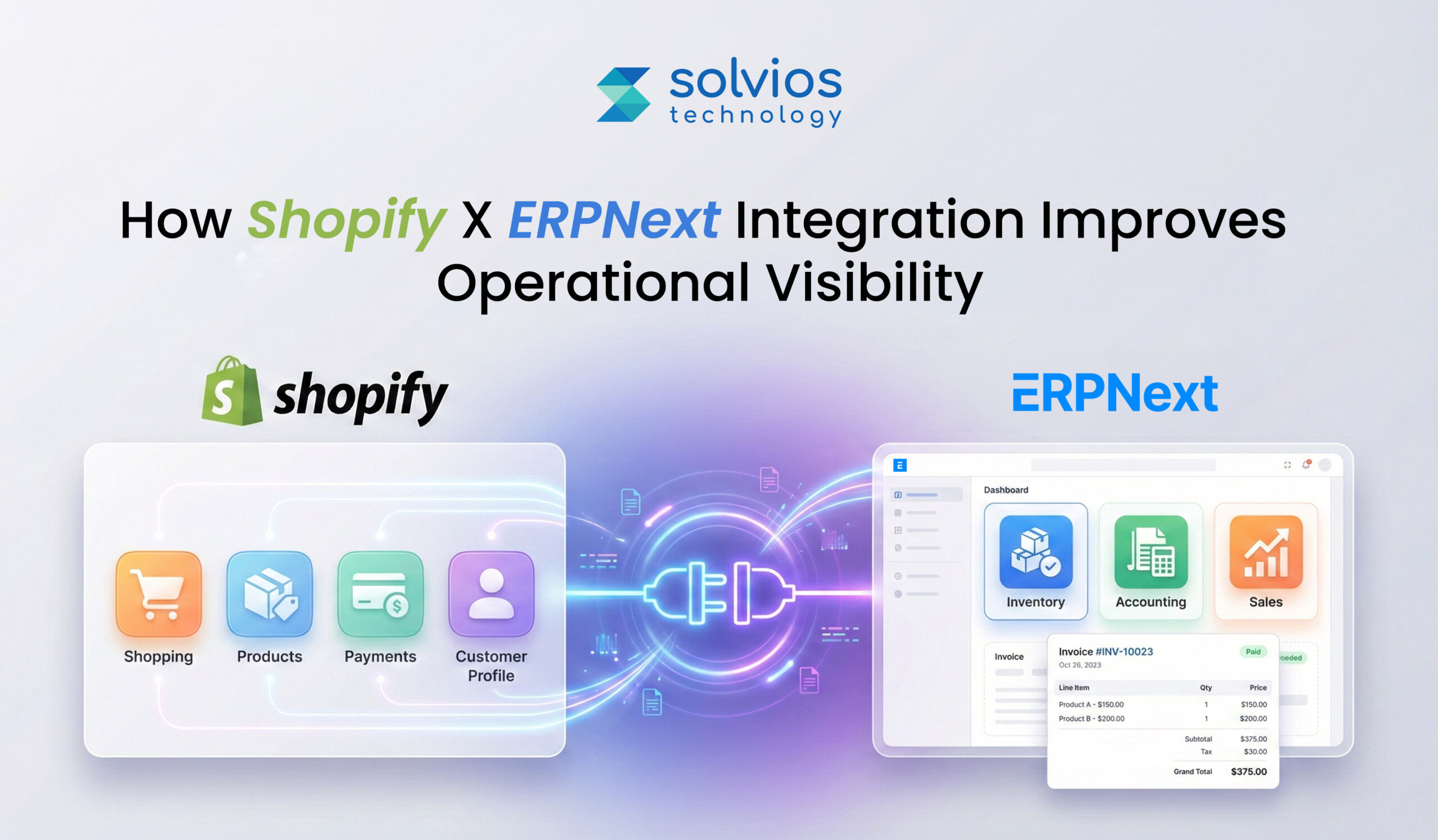
At a basic level, data flows between Shopify and ERPNext using APIs and webhooks. Shopify captures customer actions and orders. ERPNext receives that information and handles inventory, fulfillment, and accounting. The process runs in the background, without manual exports.
Businesses often explore integration after reviewing the broader capabilities outlined in this complete guide to ERPNext for businesses, where operational control becomes a priority.
Once the integration is in place:
When this flow works, teams stop reconciling systems and start trusting the data.
When systems talk to each other, data doesn’t wait to be updated later. Orders, stock changes, and status updates move as they happen. This removes the lag that usually forces teams to pause and double-check information.
Multiple systems often mean multiple versions of the same numbers. Integration reduces that confusion. Sales and operations end up looking at the same data rather than comparing reports to see which is right.
Inventory planning can become inefficient when data isn’t complete. Once sales and inventory data are synced, forecasting becomes effortless, as data is updated in real time across workflows. Businesses that have recently transitioned systems often recognize these challenges early, especially after noticing the signs that outgrown existing ERP systems.
Once data is synced and there’s a single source of truth, the team spends less time checking data through spreadsheets. Once there are no mismatches, manual effort is reduced, and the workflow is automated.
Accurate data supports consistent operations, and efficient operations are maintained throughout. Once the data is accurate, orders are handled consistently, reducing delays and strengthening customer trust.
Successful migration enables data points that add to the business impact. Here’s a closer look at how things change:
| Synced Data | Business Value |
| Orders | Orders don’t need to be re-entered. Fulfillment starts sooner, and fewer checks are needed to confirm what has already been placed. |
| Customers | Centralized data keeps customer records in one place, making it easier for teams to check data as needed. |
| Products | Product details stay consistent across systems. This results in proper alignment of pricing and catalog updates. |
| Inventory | Stock levels are updated in real time and overselling is limited since updates are not delayed anymore. |
| Taxes & Pricing | Tax and pricing data flows through without manual adjustment. Accounting teams spend less time correcting mismatches later. |
The process usually starts in Shopify. API credentials are created so that another system can connect later. At this point, nothing is integrated yet. This step simply prepares Shopify to share data when the rest of the setup is in place.
ERPNext is set up next. The Shopify integration is enabled, and the store details have been added. This allows ERPNext to recognize the connection. Even here, data still doesn’t move. The systems are aware of each other, nothing more. Many businesses follow structured deployment frameworks similar to this ERPNext implementation process guide to avoid misalignment later.
This is where the integration begins to take shape. Teams review which data actually needs to move. Products, customers, orders, and inventory are reviewed separately, based on how the business runs day to day.
This part often looks simple early on. Later, it isn’t. When SKUs don’t match, inventory and orders stop lining up in small ways. These gaps grow quietly once syncing begins, which is why alignment is usually revisited more than once.
A test sync is usually run before anything real moves. A small set of records goes through first. This doesn’t prove everything works. It mostly shows where things don’t behave the way teams expected.
Once syncing starts, logs become the reference point. Errors and delays tend to appear here before they’re visible elsewhere. Reviewing logs is how teams notice drift before it becomes harder to correct.
Inventory stops living in fragments. Stock levels update as orders move, which reduces surprises. Restocking alerts feel more predictable, not reactive, because numbers stay aligned across systems instead of drifting.
After checkout, orders usually move through several stages. When systems are connected, those stages stay visible. Teams don’t have to chase updates or rely on separate tools to understand what’s already happened.
Financial data tends to drift when systems aren’t fully aligned. Payments, taxes, and revenue details show up at different points. When that information reaches the ERP directly, reconciliation feels less like fixing mistakes and more like checking what’s already there.
Customer data stays connected from first purchase onward. Sales, service, and marketing work from the same view, instead of rebuilding context every time a customer interacts with the business.
Reporting usually feels less scattered once data stops living in separate systems. Operations, sales, and finance begin to show up together. Decision-makers spend less time questioning numbers because there’s less to reconcile across tools.
Authentication problems don’t always show up right away. Things work, then stop. Access changes, tokens expire, or credentials behave differently across environments. The issue is usually noticed only when data stops moving quietly.
SKU mismatches usually exist long before integration begins. They come from different teams using different conventions. Once systems are connected, these differences begin to appear as inventory gaps and order inconsistencies.
Webhook updates don’t always arrive when expected. Sometimes they come later. Sometimes out of order. During busy periods, this delay makes it harder to know whether an order has actually moved forward or is still waiting.
Data quality problems don’t announce themselves early. Missing fields, duplicates, and inconsistent values surface only when records start moving between systems and are expected to stay aligned.
Teams usually respond by simplifying. Fewer identifiers, clearer rules, and less exception handling reduce friction. Stability comes gradually as patterns repeat and edge cases are removed.
Logs and fallback syncs don’t fix problems on their own. They make issues visible sooner. That visibility is often what prevents small gaps from turning into larger operational disruptions.
Multiple storefronts usually come first. Operations stay behind. Orders arrive from different Shopify stores, but inventory, finance, and fulfillment still need to stay together. A single ERPNext instance becomes the place where everything finally lines up.
Inventory rarely sits in one location for long. Stock moves. As warehouses change roles, routing logic becomes an important aspect of the business as order volume increases. Once done, it becomes easier to fulfill orders based on availability and location.
Not every order settles the same way. Some pause midway. Others are split into parts. Over time, billing patterns vary more than expected. These moments don’t cause failure, but they reveal how well payment systems cope with real, uneven usage.
Promotions look straightforward at first. Things change once returns appear. Discounts reverse, refunds follow, and small exceptions add up. When systems stay aligned, these transactions don’t need to be reopened later.
Teams usually take backups before anything connects. Not because failure is expected, but because integrations don’t always behave the same way twice. Having a restore point changes how confidently issues are handled later.
Most issues surface away from production. A staging setup gives teams room to watch data move, pause, and retry without affecting live orders or inventory. It’s where unexpected behavior is usually noticed first.
Product data often looks consistent until it isn’t. SKUs, names, and attributes drift quietly across systems. Standardization tends to happen after problems appear, not before, which is why it matters early.
Syncs rarely break outright. They slow down, retry, or skip records in small ways. Patterns show up only when jobs are watched regularly, not when something finally fails.
Support teams often spot issues before anyone else. When they can see sync status and basic logs, problems are resolved earlier instead of moving through long escalation cycles.
Most integration problems don’t show up on day one.
Everything looks fine at first Over time, small gaps start to appear. Syncs slow down. Numbers stop matching. Teams spend more time checking data than using it.
At this stage, many teams begin evaluating deeper cost and planning considerations, often reviewing factors outlined in this ERPNext pricing overview to understand long-term investment implications.
This is usually where integration stops feeling technical and starts feeling operational. Issues aren’t dramatic, but they repeat. Fixes work briefly, then something else drifts. Confidence in the setup drops quietly.
This is the point where teams look for help. Not to rebuild everything, but to stabilize what’s already connected and make sure it keeps working as volume, traffic, and complexity grow.
It connects storefront orders with backend inventory, finance, and fulfillment in real time. This removes reporting gaps, eliminates manual reconciliation, and creates a single source of truth. Decision-makers gain accurate, system-wide visibility instead of comparing disconnected reports.
Core data includes orders, customers, products, inventory, taxes, and pricing. Orders flow into ERPNext for processing, while inventory and product updates sync back to Shopify. This bidirectional sync prevents overselling, reduces re-entry errors, and keeps financial records aligned.
Inventory mismatches occur when storefront sales and backend stock updates operate separately. Delayed updates, SKU inconsistencies, and manual adjustments create reporting gaps. Integration ensures real-time stock synchronization, reducing overselling and operational surprises.
Yes. A single ERPNext instance can centralize data from multiple Shopify stores and route inventory across warehouses. This enables unified financial reporting, optimized fulfillment logic, and consolidated operational control as order volume grows.
Typical challenges include API authentication errors, SKU mismatches, webhook delays, and inconsistent data quality. These issues usually surface after syncing begins. Proactive logging, SKU standardization, and staged testing reduce long-term instability.
When orders, taxes, and payments sync directly into ERPNext, accounting reconciliation becomes automated instead of corrective. Finance teams work from real transaction data, reducing mismatches and improving reporting confidence across operations and leadership.
Planning something next? Let’s turn ideas into action.


Join our community and get updates, insights, and ideas delivered right to your inbox. Stay connected!
 We respect your privacy. Unsubscribe anytime.