11
May
Salesforce
23 Min Read

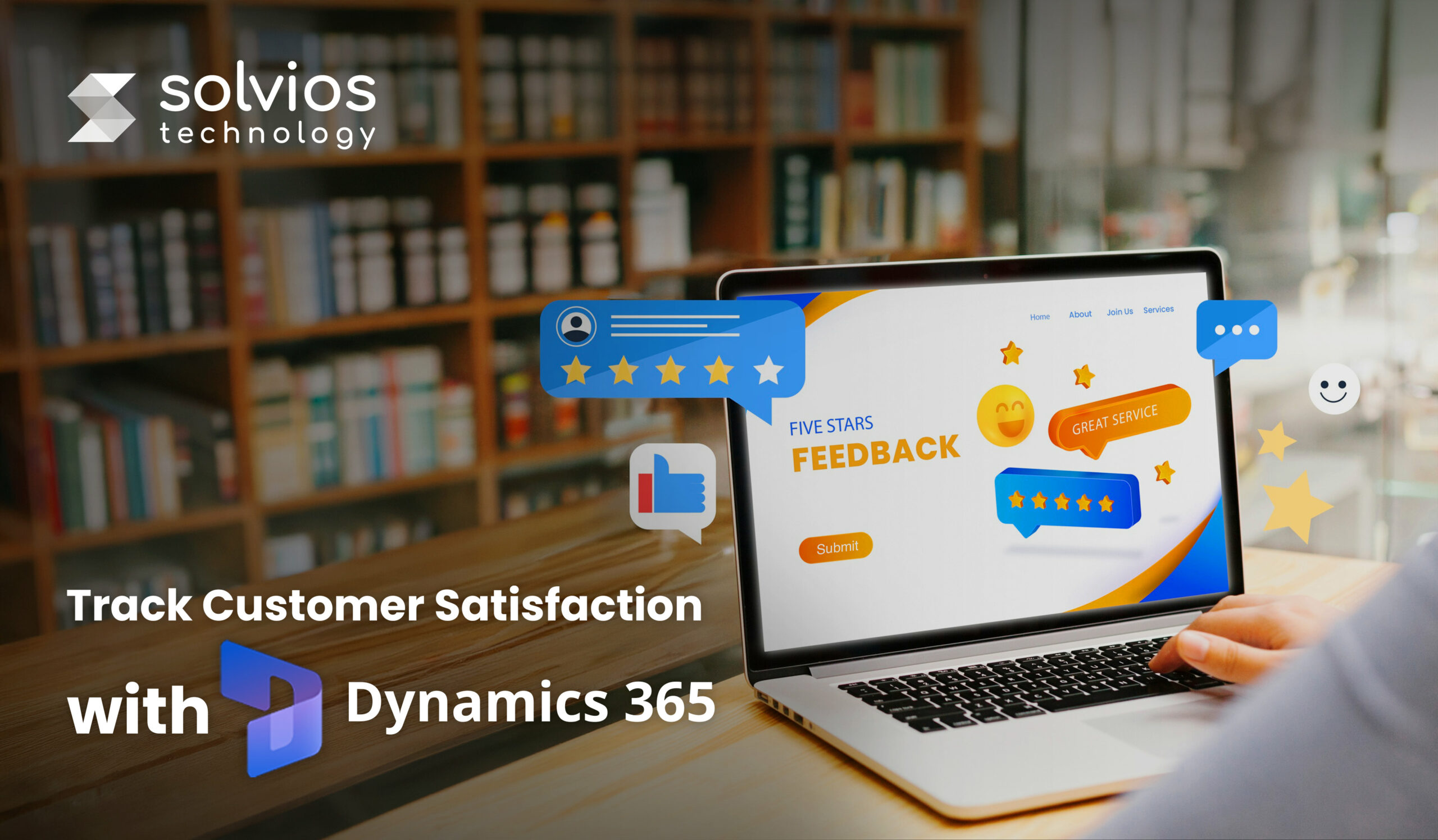
Customer churn rarely happens overnight; it builds quietly when feedback is collected but never acted on.
For large enterprises, that silence is expensive. Unheard complaints, unresolved service issues, and stalled follow-ups create the single biggest threat to growth: preventable customer loss.
Interestingly, this is where most companies fail. Sending a Dynamics 365 Customer Voice survey is easy; treating the response as a real operational signal is where the gap widens.
When survey data sits in Dataverse without context, automation, or urgency, the insight and the customer slip away.
Solvios approaches Customer Voice differently. We treat feedback as a real-time trigger. With D365 CV capturing sentiment and Power Automate enforcing structured, measurable actions, businesses unlock a Predictive CX Strategy, not another passive survey tool.
This blog takes a closer look at how Solvios leverages Dynamics 365 to track and maintain customer satisfaction. Let’s get started.
A mature customer-experience engine inside Dynamics 365 starts with one foundational idea: creating seamless feedback. However, feedback only creates value when it flows back into the business, not when it sits in isolated survey reports. For most organizations, that loop begins inside the Microsoft Dataverse. A successful Microsoft Dynamics 365 implementation ensures that every survey response flows directly into Dataverse without manual touchpoints.
Here’s a closer look at the different components of a professional CX system:
Every response captured through Dynamics 365 Customer Voice is automatically imported into the Dataverse, Microsoft’s unified data layer across the Power Platform. It also allows NPS comments, CSAT ratings, and customer notes to be instantly linked to core records, including Contacts, Accounts, Cases, Orders, and Projects.
This way, D365 creates a unified system with no manual exporting or scattered spreadsheets. It creates one source of truth that every team can rely on.
To understand how this foundation supports wider digital transformation, explore our Complete Guide to Microsoft Dynamics 365 for Businesses.
A complete feedback loop isn’t about collecting more data; it’s about capturing the right signals.
The three metrics that consistently shape boardroom decisions are:
These score metrics help business owners understand different aspects of their operations, making them a crucial metric for leadership.
Feedback without context can cause friction within your operation. D365 solves this by attaching each survey response back to the specific Case, Work Order, Sales Order, or Project milestone that triggered the experience.
Service agents can see exactly what happened, when it happened, and who handled it, allowing them to respond quickly and accurately. Managers get a trail of actionable insight instead of disconnected comments.
To avoid typical deployment pitfalls that break this loop, check out Common Dynamics 365 Implementation Mistakes.
Most teams only scratch the surface of what Customer Voice can do.
Solvios runs a D365 CX Optimization Audit to build automated Power Automate flows that turn low NPS or poor CSAT into immediate, trackable service-recovery actions.
[Request a D365 CX Optimization Audit]
Service recovery inside Dynamics 365 only works when feedback triggers an action the moment it arrives. That’s why most mature CX setups lean on Power Automate. It links Customer Voice responses with the teams responsible for fixing what went wrong and amplifying what went right.
Here’s a closer look at what the architectural strategy looks like in action:
When a customer leaves a poor NPS or CSAT rating (anything below 6), the system shouldn’t wait for someone to notice it during a weekly review. The workflows we configure usually follow a simple chain:
This turns negative feedback into an immediate operational signal instead of something that gets lost in a dashboard.
High scores deserve the same urgency, just in a different direction. When someone gives an NPS of 9 or 10, Power Automate moves it into a lighter, marketing-leaning path:
Optional: Route them into referral or testimonial programs
Most teams find that this simple loop consistently brings in social proof without extra hand-holding.
Feedback becomes useful only when teams can see it in context. To make that possible, we extend the Account or Contact record with a Sentiment Timeline, a running view of all recent scores and customer comments.
It usually shows:
This single panel prevents the “blind conversation” problem and keeps everyone aligned on how the customer is actually feeling, not what the internal notes suggest.
If you are considering upgrading or expanding your current system, check our guide on When to Migrate to Microsoft Dynamics 365.
Now that we have an idea of architectural strategy and the feedback loop, let’s understand the revenue view in the next section.
For most CIOs and CTOs, feedback scores only matter when they connect to something measurable. That’s why the real value of Customer Voice emerges when it’s paired with financial and operational data inside Power BI.
Solvios builds these dashboards directly into Dynamics 365, so leadership sees CX not as an isolated survey tool, but as a revenue signal.
The dashboards we deploy typically blend three data threads:
Our approach ensures that everything sits in the Dataverse, and Power BI can cross-reference these without extra manual mapping.
One of the clearest patterns we surface is the link between dropping NPS scores and non-renewal risk. By plotting NPS alongside contract end dates and support histories, the dashboard highlights accounts where sentiment has slipped for two or three consecutive cycles. This gives account managers early warning, well before churn becomes a commercial loss.
Teams often guess where service gaps exist; Power BI removes the guesswork.
An integrated workflow view allows business owners to see how CSAT behaves across teams, agents, or specific product categories. If a product category consistently receives lower ratings, the software analyzes patterns, such as delays, defects, or onboarding issues, to make operations more transparent.
High-NPS customers typically spend more, renew faster, and escalate less. By linking NPS to purchase history and CLV (Customer Lifetime Value), Power BI presents the revenue story behind sentiment. Leadership can immediately see which relationships should be nurtured and which need intervention.
With these metrics in a single place on the dashboard, CX stops being feedback and becomes a financial strategy.
Most teams collect customer feedback, but very few turn it into action. The real advantage doesn’t come from Customer Voice alone; it comes from building an integrated loop inside Dynamics 365 where every response triggers the right workflow, lands in the right queue, and appears in dashboards leaders actually use. That’s where Solvios stands apart.
Our strength lies in bringing together D365 customisation, Power Automate process design, and Power BI analytics into a single integrated system. The end result is a system that doesn’t wait for churn; it identifies risk early, supports service teams, and provides decision-makers with clear signals to act.
If AI is on your CX roadmap, explore how AI is Transforming Microsoft Dynamics 365 to enhance automation and predictive capabilities.
Dynamics 365 Customer Voice centralizes survey responses inside the Dataverse and links them to customer records, cases, work orders, and projects. This allows teams to see feedback in context and respond faster, reducing the risk of churn.
Power Automate turns passive feedback into automated workflows. Low NPS or CSAT scores can trigger instant service-recovery tasks, escalation alerts, and SLA-driven follow-ups. High promoter scores can trigger marketing actions like review requests and referral automation.
The most effective CX metrics in Dynamics 365 are NPS for loyalty prediction, CSAT for experience quality, and CES for identifying friction. Together, they help leadership spot gaps, understand customer sentiment, and make informed improvements across the customer journey.
Yes. When Customer Voice responses are stored in Dataverse, Power BI can correlate sentiment with churn risk, renewal cycles, service performance, and customer lifetime value (CLV). This transforms feedback from a qualitative signal to a financial decision-making tool.
Common challenges include disconnected feedback, slow responses to low scores, siloed insights, and dashboards that fail to drive action. Solvios overcomes this by building an integrated, automated feedback loop in Dynamics 365 that ensures timely responses and data-driven decisions.
Solvios designs end-to-end CX systems using Customer Voice, Power Automate, and Power BI. This includes workflow automation, escalation rules, real-time sentiment timelines, and dashboards that connect CX signals with revenue. The result is a proactive CX engine that prevents churn instead of reacting after it’s too late.
Planning something next? Let’s turn ideas into action.
Join our community and get updates, insights, and ideas delivered right to your inbox. Stay connected!
 We respect your privacy. Unsubscribe anytime.