
11
May
Salesforce
23 Min Read

Is your current CRM or ERP holding you back?
Sounds intriguing, right?
Sadly, this could be the reason for your slow operations.
Speed in your workflow is no longer a bonus; it’s expected. Customers want fast delivery and faster services.
Similarly, leaders want prompt insights into operations without having to analyze a dozen dashboards. Businesses today rely on their tech stack to do more than just “manage data.”
But if your business continues to cling to legacy systems, your operations could be paying a cost with:
So if your CRM or ERP feels more like a bottleneck than a boost, it might be time to rethink.
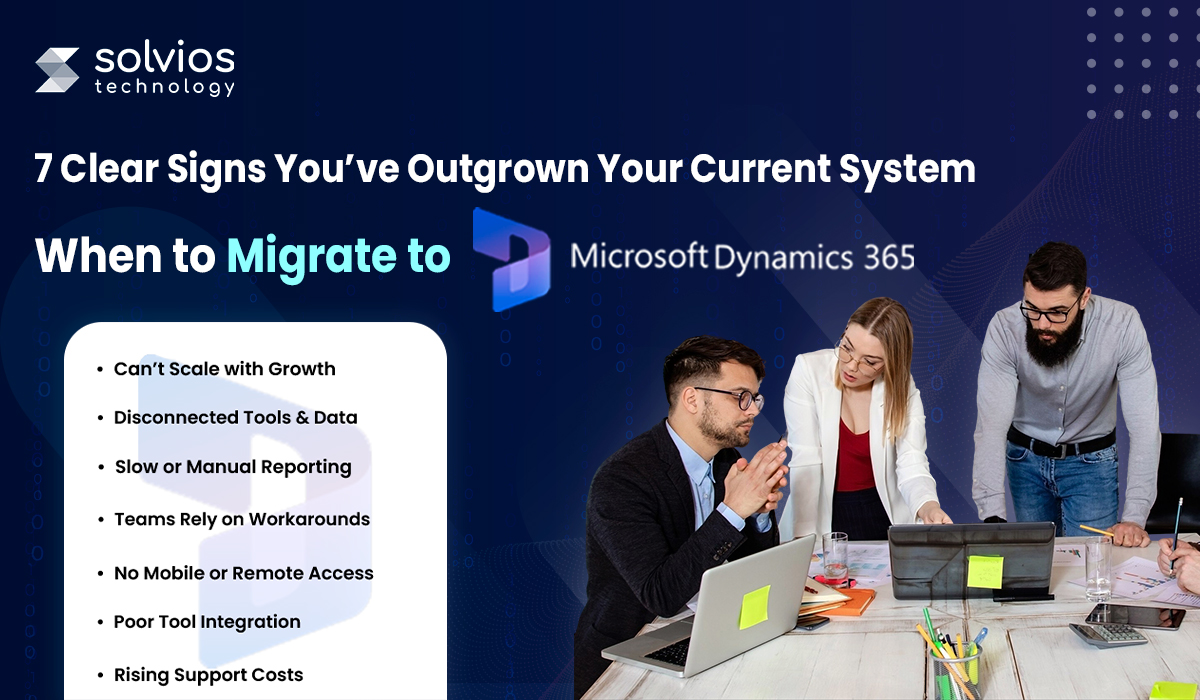
This blog examines seven clear signs that your operations have outgrown your current systems. Let’s get started.
Having a growing company is the entrepreneur’s dream, unless your tech stack isn’t keeping up with the pace.
As you expand your operations, you may encounter unique challenges where your CRM falls short in processing records. Or, your ERP could take a few minutes to load a simple report.
Sounds familiar? Here are some other common problems to look out for:
These aren’t simply bottlenecks; they cost you agility, productivity, and revenue. Interestingly, this is where Microsoft Dynamics 365 migration could be a game changer.
a. Modular architecture: Add only the apps you need, when you need them.
b. Cloud-native infrastructure: Handles traffic spikes and large datasets effortlessly.
d. Seamless integrations: Easily connects with Power BI, Teams, Outlook, and third-party apps.
Whether you’re expanding your sales team or scaling to new locations, Dynamics 365 adapts without making you start from scratch.
Your teams might be using best-in-class tools, but if they don’t communicate, you’re operating without insights.
There is a chance that your sales data resides in one platform, customer service notes in another, and marketing insights in a spreadsheet that requires manual updates.
Think you don’t have disconnected data silos? Here are some signs to watch out for:
Disconnected systems create blind spots, resulting in lost time, money, and trust. However, here’s how Dynamics 365 steps into the picture.
a. Unified data model: Breaks down silos across sales, marketing, service, and operations.
b. Native integrations: Connects seamlessly with Power BI, Teams, Outlook, and SharePoint.
c. Single customer view: Teams access real-time, accurate data from one shared platform.
With Dynamics 365, your tools become a connected ecosystem—so your team can work smarter, not harder.
You shouldn’t need a full day or a full team to build a basic report!
If your team is still copying data into spreadsheets, troubleshooting broken formulas, or reconciling numbers from different systems, your reporting process is doing more harm than good. By the time insights are ready, they’re already outdated.
Here are some signs that indicate your reporting is slow:
Manual reporting isn’t just slow; it also risks compromising your operations.
a. Intuitive Dashboard: Real-time dashboards powered by Power BI for always-current visibility.
b. Custom KPIs: Custom KPIs tailored to your business, updated automatically.
c. Predictive Analysis: Predictive analytics to surface trends before they impact performance
With D365, you spend less time chasing numbers and more time acting on them.
If your CRM or ERP is so challenging that your team avoids it, that’s a red flag.
Here are some signs your team is relying on workarounds and spreadsheets:
Workarounds may solve the short-term problem, but they quietly erode performance, data integrity, and team morale.
With Dynamics 365, your system becomes the path of least resistance, not the last resort.
In today’s hybrid world, your systems need to adapt to your team’s needs. If your CRM or ERP feels like a “desktop-only” experience, you’re already behind.
Whether it’s a sales rep updating leads from the road or a service tech accessing client history on-site, real-time access is now a baseline expectation.
Here’s what real-time operations look like in practice:
That disconnect slows down decisions, frustrates staff, and puts customer relationships at risk.
a. Cloud-native architecture for anytime, anywhere access
b. Mobile-optimized apps tailored for sales, service, and operations
c. Built-in collaboration tools via Microsoft Teams, Outlook, and SharePoint
Remote-ready isn’t a luxury anymore; it’s a requirement. With Dynamics 365, you’re always in the loop.
Your business doesn’t operate in isolation, nor should your software. If adding a new payment gateway or connecting to a marketing platform feels like a multi-week project, it’s a clear drawback.
Here are some common friction points to watch out for in your current tech stack:
a. Native Tools: Native integrations with Microsoft tools like Teams, Excel, Power BI, and Outlook
b. Better Connectivity: Seamless connectivity with hundreds of third-party apps via Microsoft AppSource
c. Flexible APIs for building custom connectors and workflows
With Dynamics 365, integration isn’t a patchwork; it’s part of the blueprint.
Is your IT team spending more time keeping systems alive than helping your business grow?
Here are some warning signs you’re paying too much to stay behind:
a. Always up-to-date: Microsoft handles upgrades, patches, and compliance
b. Built-in security: Enterprise-grade protection is baked into the platform
c. Predictable pricing: Scale up or down with transparent SaaS-based billing
Switching to D365 isn’t just a tech move; it’s a smarter business investment.
Discover how to do it right with our Dynamics 365 Implementation Guide.
Say goodbye to static spreadsheets and hello to live dashboards. With built-in analytics and AI-powered reports, you can spot trends, track performance, and make confident decisions faster.
Whether you’re onboarding five new hires or expanding into three new regions, Dynamics 365 scales with you. Its modular design means you only pay for what you need and can build upon it without starting from scratch. For a deeper understanding of its full capabilities, check out Dynamics 365 Complete Guide – your go-to resource for making the most of this powerful platform.
No more surprise maintenance bills or expensive integrations. With automatic updates, cloud hosting, and flexible pricing, D365 reduces long-term costs while freeing your team from day-to-day system upkeep.
With seamless integration into Microsoft 365 (Teams, Outlook, SharePoint), your teams can work together from anywhere. Data flows freely across departments, helping everyone stay aligned and focused.
Microsoft’s enterprise-grade security tools come standard. From role-based access to built-in compliance features, your data stays safe.
If your current CRM or ERP is struggling to keep up, whether it’s due to siloed data, clunky reporting, limited scalability, or poor mobile access. It’s a clear signal that your business has outgrown it. Every delay in upgrading comes with hidden costs: missed opportunities, slower decisions, and rising maintenance expenses.
Now is the time to rethink what your systems can do for you.
Ready to future-proof your operations? Schedule a free Dynamics 365 migration strategy call with our experts at Solvios Technology today.
If your system is slow, disconnected, hard to scale, or requires manual workarounds, these are signs it’s time to migrate to a modern solution like Microsoft Dynamics 365.
Migrating to Dynamics 365 improves scalability, automates workflows, enables real-time reporting, lowers maintenance costs, and unifies sales, finance, and operations on a single cloud platform.
Dynamics 365 uses a unified data model and native integrations with tools like Teams, Outlook, and Power BI to eliminate silos and streamline workflows across departments.
Yes. With built-in Power BI dashboards, real-time KPIs, and predictive analytics, Dynamics 365 empowers teams with faster, data-driven decision-making.
Absolutely. Its cloud-native design supports mobile access, remote collaboration, and modular scalability—making it ideal for modern, growing businesses.
Timelines vary, but most small to mid-sized businesses complete a successful Microsoft Dynamics 365 migration within 4–12 weeks with professional support.
Planning something next? Let’s turn ideas into action.
Join our community and get updates, insights, and ideas delivered right to your inbox. Stay connected!
 We respect your privacy. Unsubscribe anytime.