Most CRM migrations don’t happen because teams suddenly dislike Salesforce or want a new system.
They happen for a quieter reason.
As organizations grow, the way CRM data is used starts to change. Teams need better communication, reporting needs to be more detailed, and integrations need to perform optimally.
Although Salesforce works well in many cases, over time, it fails to scale with the business. What once worked fine starts showing friction across everyday operations.
This is where Dynamics 365 steps into the conversation. Not as a replacement for Salesforce, but a platform that fits the requirements of growing businesses. It scales with more data, complex operations, and flexible workflows.
In this guide, we break down why organizations consider moving from Salesforce to Dynamics 365, what drives that decision, and what needs to be evaluated before starting the migration.
What Does Salesforce to Dynamics 365 Migration Really Mean?
Migrating from Salesforce to Dynamics 365 is often misunderstood as a data move.
It isn’t.
Data is only one part of the migration. What actually moves are the processes built around that data. Workflows, automations, reports, integrations, and custom logic that teams rely on every day all come into play.
Dynamics 365 is an entirely different CRM. It isn’t a single, fixed CRM application but a modular platform that connects sales, service, operations, and analytics more closely with the rest of the business. This structure changes how information flows, how teams work with data, and how organizations approach a successful Dynamics 365 implementation during a Salesforce migration.
Thanks to that, migrating from Salesforce to Dynamics 365isn’t about moving data into a new system. It’s more about re-aligning systems from Salesforce to D365 and streamlining existing operations.
Top Reasons Businesses Switch from Salesforce to Dynamics 365
Better integration with the Microsoft ecosystem:
Organizations that use platforms like Outlook, Teams, and other Microsoft tools don’t typically choose CRM as their go-to. However, over time, the use of such tools adds gaps between systems, which ultimately adds friction to the operations.
Dynamics 365 fits more naturally into the Microsoft ecosystem, especially when combined with Power Platform and Azure, which reduces the need for constant workarounds.
Most companies don’t consider licensing costs at the start. However, the costs add up in the long term. As teams grow, add-ons increase, and custom needs expand, costs rise.
Because it costs less to purchase in the long run, many firms see Dynamics 365 as a more flexible choice. It has an affordable license and limited extensions.
A unified CRM and ERP direction:
Some organizations need something more than a CRM as they scale. They need tighter connections among sales, service, finance, and operations, which require both CRM and ERP.
This need frequently mirrors the same challenges seen in ERP environments. Many organizations already recognize the signs outgrown the existing ERP system before extending that realization to CRM.
This approach generally prefers platforms like Dynamics 365. It allows CRM capabilities to scale into ERP without forcing teams into separate systems.
Customization through the Power Platform:
Customization needs change over time. What starts as small adjustments turns into broader automation and app requirements.
Tools like Power Apps and Power Automate allow teams to build and adjust workflows without rewriting everything from scratch.
Analytics and reporting that connect the dots:
Reporting challenges usually appear quietly. Data lives in different places, numbers don’t line up, and confidence drops.
With Power BI and a more unified data model, Dynamics 365 often feels easier to extend into consistent reporting across teams.
Migration Planning – What You Must Know Before You Start
Scope definition
Planning usually starts with deciding what is actually in scope. Teams need to be clear on which Dynamics 365 modules matter, which data needs to move, and which custom objects remain relevant.
Stakeholder alignment
Migration decisions affect more than one team. Business users and IT often view the move differently, and when that alignment isn’t established early, progress tends to slow down later.
Gap analysis
Salesforce and Dynamics 365 don’t always line up the same way. A gap analysis, often guided by experienced Salesforce consulting, helps surface where processes need to change—rather than trying to copy everything over.
Target state vision and KPIs
Teams also need a shared idea of where they’re heading. Defining the target state and a few clear KPIs helps keep the migration focused on more than just finishing the move.
Step-By-Step Salesforce – Dynamics 365 Migration Process
Step 1: Discovery and current state analysis
Every migration starts by looking at what actually exists in Salesforce today. Objects, fields, workflows, and integrations are reviewed, but not all of them matter anymore. This step usually reveals how much of the setup is still in use versus what has simply been left behind over time.
Step 2: Data mapping and cleansing
Data needs to be organized, cleaned, and structured before it’s moved. Following proven salesforce data migration best practices helps eliminate duplicates, outdated records, and schema conflicts that otherwise surface post-migration. When moving data, ensure that Salesforce objects align with the Dynamics 365 factors. However, data mapping is only a part of the migration. This is the stage where duplicate data, outdated entries, and unused data are identified and removed.
Step 3: Environment setup and configuration
Before migrating data from Salesforce to Dynamics 365, teams must ensure the platform is ready for the move. Teams must sit together and assign roles and responsibilities to individual team members. This helps organizations maintain hierarchy post-implementation.
Step 4: Data migration
Data migration is often processed in stages to ensure 100% success. Migration teams leverage platforms like KingswaySoft, Azure Data Factory, and SSIS—along with
open-source cloud migration tools —to handle complex data structures while maintaining stability. The process is typically carried out in phases to avoid surprises after the switch is complete.
Step 5: Rebuild workflows and automations
During migration, Salesforce workflows aren’t moved directly to Dynamics 365. Professionals recreate the logic using Power Automate or event-driven flows. They retain some processes, others are customized, and some are removed based on the feature teams’ daily use.
Step 6: Testing and validation
Testing is not a single phase. Individual components are checked first, integrations are tested next, and users validate everyday scenarios later. Issues here are expected and usually shape the final configuration before launch.
Step 7: Training and change enablement
User training is generally based on the organization’s hierarchy. Training levels are designed based on the team members and everyday workflows. Additionally, once basic training is complete, teams feel confident running daily operations.
Step 8: Go-live and post-migration support
Go-live is rarely the end. Once the systems are live, it’s time to monitor them, optimize workflows, and resolve queries as they arise. Early optimization is the key to stable operations during such instances.
Looking for a structured and risk-managed migration approach?
Data Migration Strategy: Best Practices That Prevent Failures
Data profiling and quality assessment:
Most migration issues can be resolved early if the data is assessed properly. Profiling existing data to find duplicates, errors, and inconsistencies can save costly mistakes.
Incremental data migration:
Moving everything at once could result in a complete shutdown of operations. When you move data in bulk, you migrate existing problems that are hard to spot until it’s too late. Migrating in phases saves your operations from a complete takedown later.
Conflict resolution logic:
Problems generally arise in your workflow if the data isn’t structured during migration. Therefore, ensure your data is well-structured and clean during migration to avoid teams having to deal with the hassle post-migration.
Performance considerations:
Data behaves differently under load. As more data is available, the system starts processing slowly. Therefore, it’s best to stress-test systems under load before migration.
Version control and rollback planning:
Not every migration succeeds and might require a rollback if unsuccessful. Version tracking and rollback options let teams recover without turning small issues into major setbacks.
Concerned about data loss or downtime during migration?
Custom fields and objects are among the most overlooked sections. These fields contain data on how data links up and how custom functions work. Schema problems don’t appear at the start; they add friction to the workflow later.
Workflows and automation:
Automations don’t work the same way post-migration. You can rebuild Salesforce workflows using Power Automate, but the logic will need to be rewritten. Some steps translate well. Others don’t. This is usually discovered only after processes have started running again.
Third-party integrations:
Integrations tend to expose the most friction. ERP systems, eCommerce platforms, and marketing tools often depend on Salesforce-specific behavior. During migration, these connections need attention, or data starts drifting between systems.
Middleware scenarios:
Middleware usually comes into play when integrations become harder to manage. Middleware is used to manage data flow, system failures, and reduce errors when systems need to stay in sync over time.
Common Challenges & How to Overcome Them
Every successful migration involves challenges that must be navigated skilfully. Here are some common challenges and how you could overcome them:
Common ERP Challenges
Tips to Overcome
Objects that Weren’t Matched
Push tiered discovery and leverage mapping templates to list everything before modifying data.
Data Quality Issues
Structure and clean data to avoid surprises later.
Workflow Logic Mismatch
Rebuild workflows with the Power Platform to adjust how processes flow.
User Adoption Resistance
Include early training and a few early team leaders to streamline the process.
Integration Interruption
Run end-to-end testing to identify gaps early.
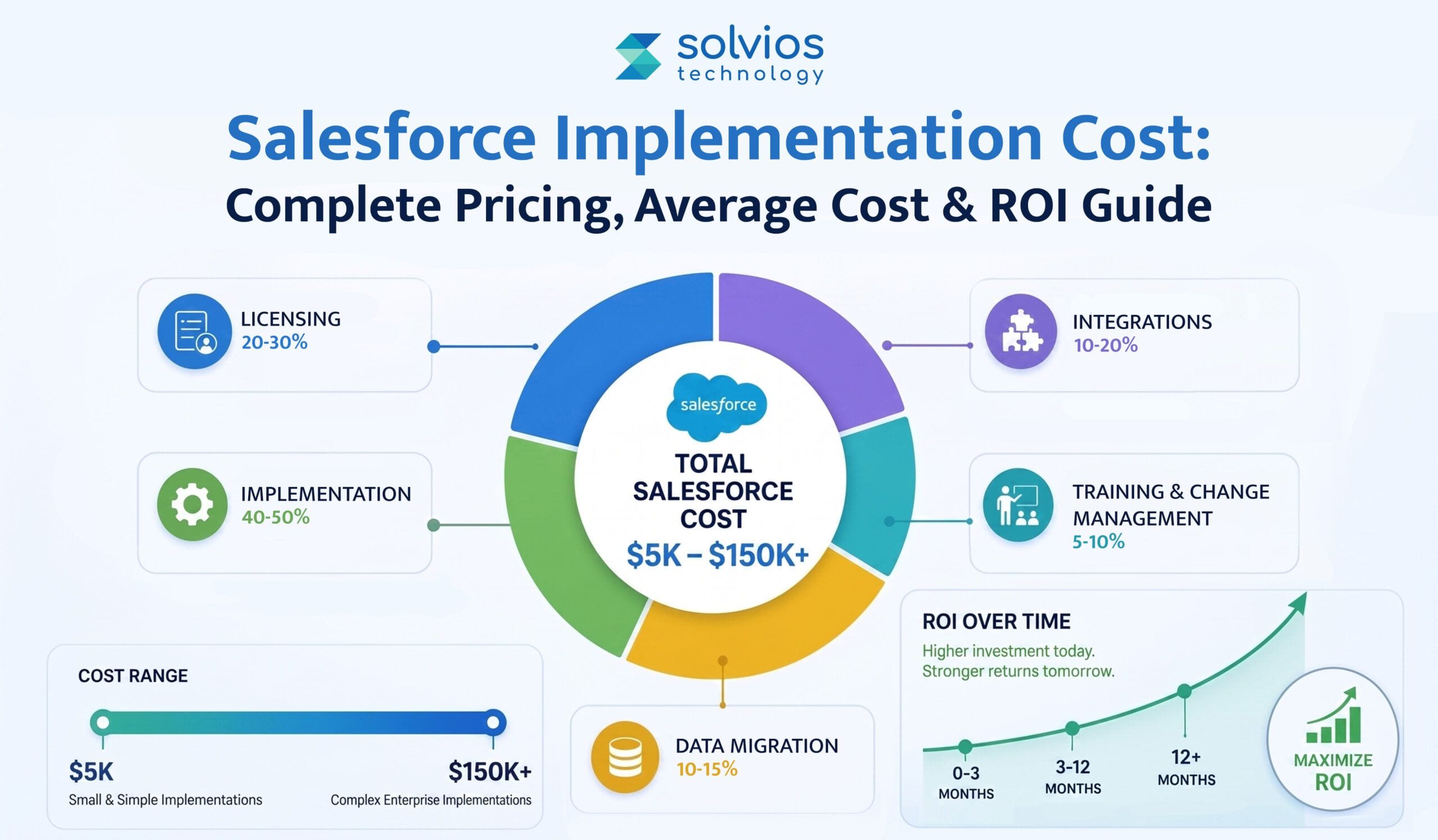
Cost Considerations: What to Budget For
Licensing differences
Licensing is usually the first thing teams look at, but it’s rarely the full picture. Salesforce and Dynamics 365 structure licensing differently, and costs tend to shift as users, modules, and usage grow over time.
Implementation services
Migration work goes beyond setup. Consulting, data migration, testing, and rework all add to the effort. These costs often depend on the complexity of the existing Salesforce environment.
Training and change management
Training is easy to underestimate. Users need time to adjust, and that adjustment has a cost. Without proper change support, productivity often dips before it recovers.
Integration and custom development
Integrations and custom logic usually incur additional costs. Integrating ERP connections, custom extensions, and automations increases costs, especially when your existing workflow doesn’t migrate seamlessly to Dynamics 365.
Post-go-live support
Costs don’t stop once you go live. Additional costs keep recurring in the name of fixes, early support, and optimization as you start using the platform in real time.
Organizations not ready to migrate immediately often stabilize operations first using Salesforce managed services—reducing technical debt before transitioning platforms.
Not sure about cost, timelines, or post-go-live support?
Measurable Benefits After Migration (Case Outcomes)
Unified customer view
Following the migration, customer information centralizes at once place. Sales, service, and operations start from the same records, reducing confusion and making customer history easier to rely on.
Process automation and SLAs
Once workflows settle, fewer steps stay manual. Automations begin to handle routine work more consistently, and response times improve simply because processes are no longer stitched together.
Operational cost changes
Operational costs don’t disappear post-implementation; they just change form into another expense. As businesses scale, fewer extensions, simpler integrations, and improved structure reduce the costs.
Analytics and reporting
Reporting becomes easier to work with. Data is more connected, and teams spend less time reconciling numbers between tools before trusting what they see.
User productivity
After the adjustment period, users move faster. Less system switching, fewer workarounds, and clearer processes usually lead to higher adoption and fewer support issues.
Salesforce vs Dynamics 365: Quick Comparison Table
Still confused between Salesforce and Dynamics 365? Here’s a quick comparison table:
Feature
Salesforce
Dynamics 365
Licensing
Offers a tiered license alongside add-ons
Offers modular licensing and integrated add-ons
Analytics
Offers in-built analytics
Has integrated Power BI for enhanced reporting
ERP Integration
Requires add-ons for seamless operations
Offers native dynamics due to its ERP functionality
Microsoft Ecosystem
Limited integration capabilities
Offers deep integration into the Microsoft ecosystem
Customization
Offers flexible customization
Offers numerous features for everyone
Conclusion
Most Salesforce-to-Dynamics 365 migrations don’t run into trouble because the platform choice is wrong. They struggle for a quieter reason.
Work on data, workflows, and integrations is often underestimated. Workflows that were stable in Salesforce behave differently post-migration in Dynamics 365. Processes slow down, data needs more corrections, and teams spend more time fixing these issues.
This is where Solvios typically supports organizations. Not by rushing implementation, but by slowing things down early. Planning the move, handling migration carefully, and supporting teams after launch helps avoid disruption and rebuild confidence in the system.
Ready to evaluate your Salesforce to Dynamics 365 move?
PA structured migration prevents data loss by combining data profiling, field-level mapping, phased migration, and reconciliation testing. Most failures happen due to poor data cleansing or mismatched custom objects, not the migration tools themselves.
The safest approach is phased migration with parallel validation. Core objects are migrated first, integrations are tested separately, and final cutover happens only after user acceptance testing confirms data accuracy and workflow stability.
No. Salesforce workflows must be rebuilt using Power Automate or custom logic in Dynamics 365. This phase often becomes an opportunity to simplify legacy automation and eliminate redundant processes.
With proper planning, downtime can be minimized or eliminated. Most organizations operate in parallel environments during migration and schedule final cutover during low-activity windows.
The main risks include poor data quality, incomplete integration mapping, underestimating custom logic, and lack of user training. Structured discovery and gap analysis reduce these risks significantly.
ROI is evaluated by comparing licensing models, integration complexity, automation efficiency, reporting consolidation, and long-term scalability. A migration audit typically identifies operational friction and cost optimization opportunities over 3–5 years.
Like What You See? Share with a Friend
About Author
Dhwani Shah
Co-Founder
Dhwani Shah is the Co-Founder of Solvios Technology. She focuses on building strong relationships, guiding teams, and helping businesses move forward with clear direction. Her perspective comes from real-world experience, thoughtful leadership, and a genuine passion for creating long-term value for clients and partners.
We'd love to understand what you want to build. The more context you share, the faster we can give you a useful response not a sales pitch, but a genuine assessment of how we can help and what working together would look like.
Join our community and get updates, insights, and ideas delivered right to your inbox. Stay connected!
We respect your privacy. Unsubscribe anytime.
Solvios is a leading software development company crafting innovative solutions for businesses. We Specialize in custom software, web & mobile app development, and digital marketing. Partner with us to transform your vision into reality and achieve digital success.

 Startups
 Fintech
 Healthcare
 Manufacturing
 Marketplaces
 Mortgage
 Real Estate
 Retail
 Sports and Fitness
 Telecom and IT
 Logistic
 SaaS Product
 About Us
 Blog
Blog Careers
 Become A Partner
 Contact


 About Us
 Blog
Blog Careers
 Become A Partner
 Contact