 Startups
 Fintech
 Healthcare
 Manufacturing
 Marketplaces
 Mortgage
 Real Estate
 Retail
 Sports and Fitness
 Telecom and IT
 Logistic
 SaaS Product


 About Us
 Blog
Blog Careers
 Become A Partner
 Contact


API Integration Services
AI-first API integration across payment gateways, CRMs, ERPs, AI APIs and third-party platforms engineered for reliability, security and the AI workloads ahead.
Learn More about API Integration Services
 About Us
 Blog
Blog Careers
 Become A Partner
 Contact
Connecting People With Technology
Solvios is the leading IT company in the business to give you growth, revenue, and a global platform.
The client is a retail technology provider building point-of-sale software for businesses that run more than one store. They came to Solvios needing a POS that could handle multiple locations, multiple payment types and real hardware, without falling over the moment a store's internet connection dropped.
The client (name withheld) a multi-store retail technology partner
Ongoing engagement
Retail
Unconfirmed flagged for internal review
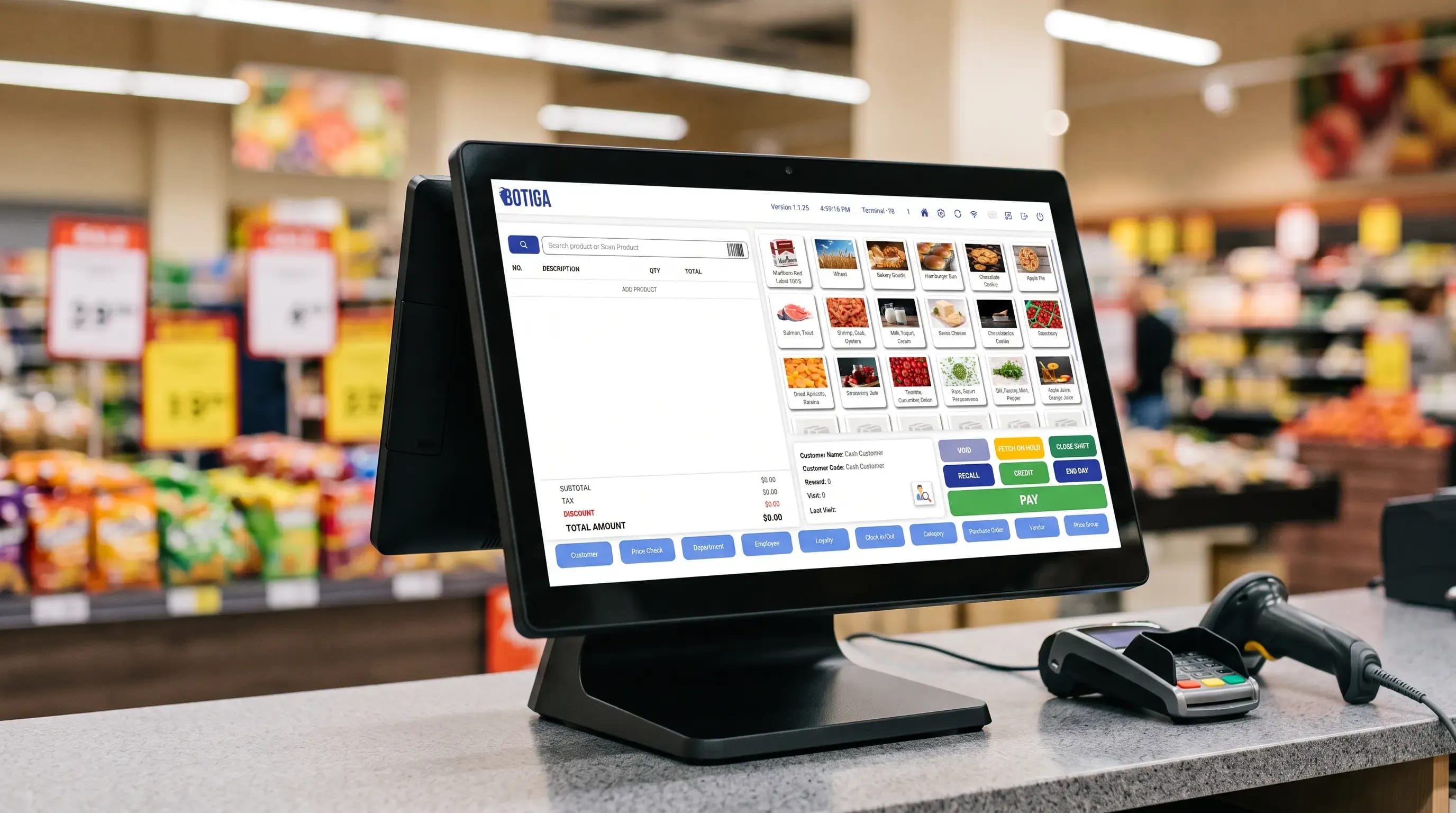
The client needed a point-of-sale system that could run across different store formats without forcing every merchant onto the same rigid workflow. Solvios built a multi-tenant POS on ASP.NET Core and React, paired with an offline-capable Electron client, real-time inventory sync and support for multiple payment types, loyalty programs and store hardware. Retailers can now run sales, track stock and manage staff from one system, whether they're online or not.
No single POS could handle multiple store formats without heavy custom work
Inventory visibility was inconsistent across locations, causing stockouts and overstock
Payment support had to span cash, cards, EBT and digital wallets in one checkout flow
Staff scheduling, wages and performance tracking lived outside the POS entirely
Barcode scanners, receipt printers and cash drawers needed to work without manual setup
Checkout had to keep running even when a store's internet connection dropped mid-shift
The client works with retail businesses running more than one location, and they needed a POS built for that reality from the start rather than bolted on later. What existed before Solvios got involved was a set of workflows and spreadsheets held together by habit, not software.
No centralized way to manage inventory across multiple store locations
Checkout flows didn't natively support loyalty programs or promotions
Employee scheduling and performance tracking sat in spreadsheets, separate from the POS
No offline mode a dropped connection meant checkout stopped completely
Hardware setup for scanners, printers and cash drawers required manual per-device configuration
No architecture in place to keep data and access separate between different store tenants

None of this was a single bug to patch. Multi-store retail, flexible payments, offline reliability and plug-and-play hardware each pull the architecture in a different direction, and getting one right at the expense of another would have just moved the pain somewhere else.
Multi-Tenant Data Isolation at Retail Scale
Every store needed its own inventory, staff records and sales history, without leaking into another store's data. That's a data modeling decision made once, early, because retrofitting tenant isolation into a live system later means rewriting the schema underneath customers who are still processing transactions on it.
Payment Flexibility Without Fragmenting the Checkout Flow
Cash, cards, EBT and digital wallets all behave differently at the API level, with different failure modes and different reconciliation requirements. Supporting all of them without turning checkout into a maze of conditional logic meant designing one payment abstraction the rest of the system could rely on.
Offline-First Reliability
A POS that stops working when Wi-Fi drops isn't a POS, it's a liability at the worst possible moment, mid-transaction with a customer standing at the counter. The system needed local processing and a sync layer that reconciles cleanly once connectivity returns, not just a warning message.
Hardware That Has to Just Work
Barcode scanners, receipt printers, cash drawers and card readers all come from different manufacturers with different drivers. Store staff aren't going to troubleshoot a printer mid-rush, so hardware integration had to be close to plug-and-play, not a configuration project for every new device.
The first decision shaped everything after it: build the data layer for multi-tenancy before writing a single checkout screen. Every feature that came after, payments, hardware, reporting, had to respect that boundary rather than work around it.
We modeled stores as isolated tenants at the database level in SQL Server, with access control enforced through the ASP.NET Core API rather than left to the front end to police. That meant every query, every report and every future feature inherited the isolation instead of needing it bolted on.
A browser tab can't reliably hold state through a connectivity drop. Electron gave the checkout client a local process and local storage, so sales keep processing offline and sync back through SignalR once the connection returns, with conflict handling built into the sync layer rather than left to chance.
Instead of writing separate checkout paths for cash, card, EBT and wallet payments, we built one payment interface that each method plugs into. Adding a new payment type later means implementing an interface, not touching the checkout flow itself.
Scanners, printers and cash drawers connect through a hardware abstraction layer documented with Swagger, so the application logic talks to one consistent interface regardless of which manufacturer's device is plugged in on a given store's counter.
Sales, inventory and payment reports all read from the same transaction log rather than separate derived tables that can drift out of sync. That kept the numbers store managers see consistent with what actually happened at the register.

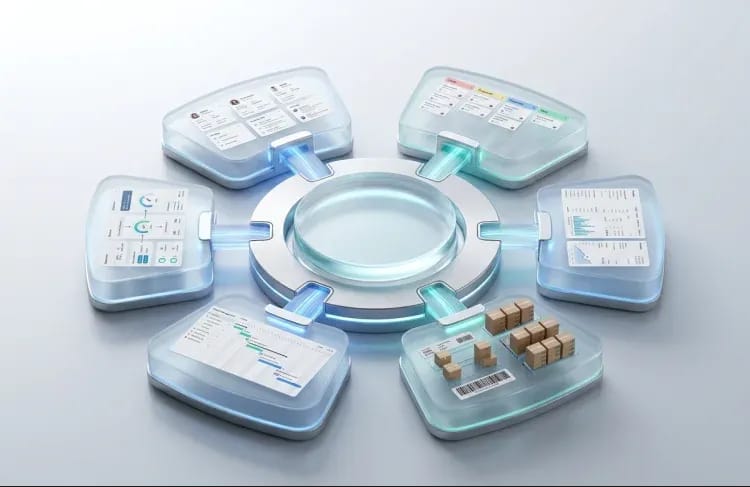
The finished platform covers the full counter-to-back-office loop: sales, inventory, staff, customers, payments and reporting, running consistently whether a store is online or working through a dropped connection.

Checkout supports loyalty programs, promotions and department-level sales handling, with real-time stock tracking and reorder alerts that flag low inventory before it turns into a stockout on the shelf.

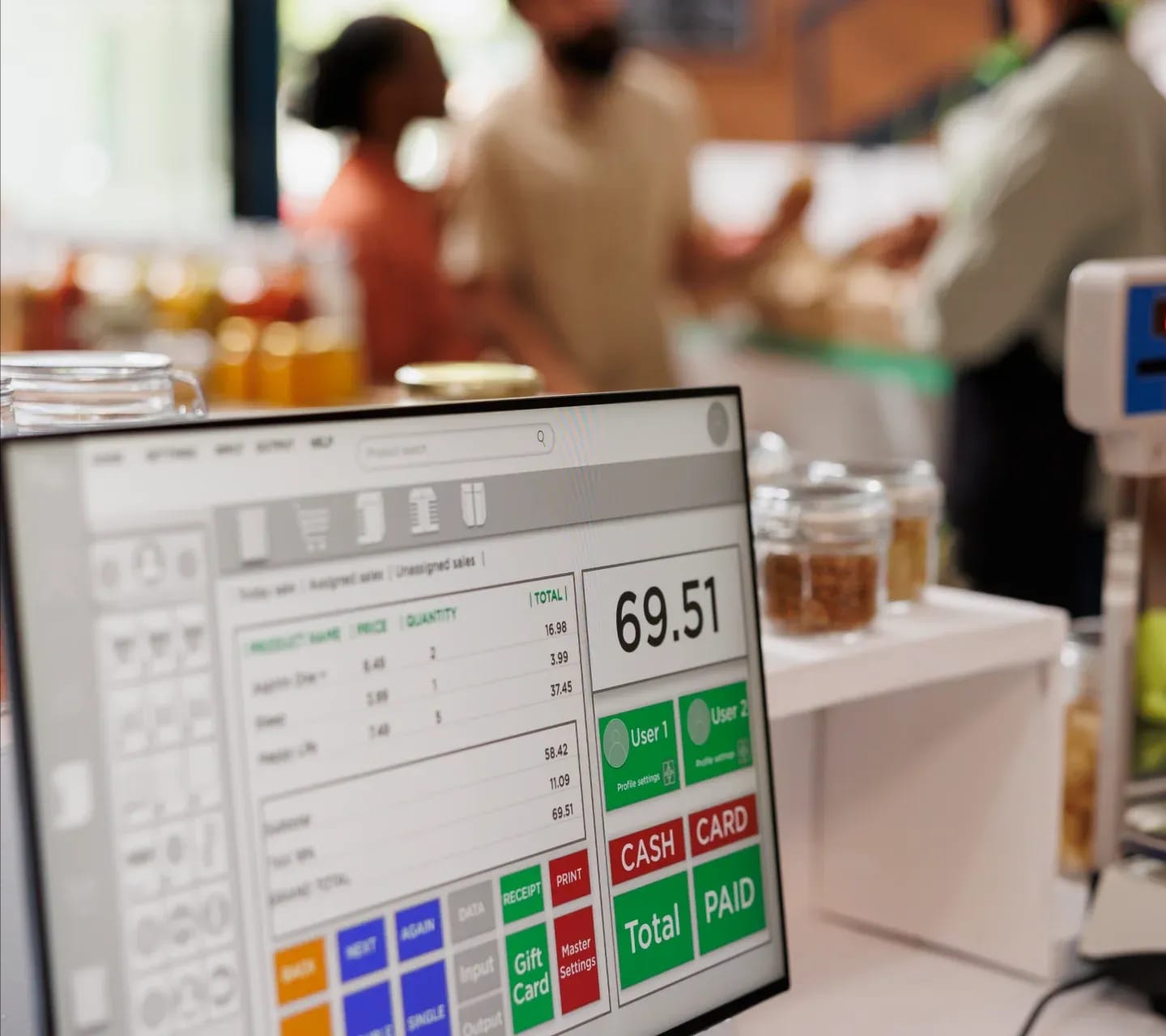
Cash, checks, debit and credit cards, EBT and custom payment platforms all run through the same payment abstraction, with private customer accounts supported for stores that offer house credit or tabs.

Wage tracking, attendance and performance sit inside the same system as customer loyalty accounts and on-account transactions, so staff and customer data don't live in a separate spreadsheet nobody keeps current.

Store screen layouts are configurable per location, and the hardware abstraction layer connects cleanly to barcode scanners, receipt printers and cash drawers without device-specific configuration work at setup.

Stores can run cloud-connected with centralized control through a web admin panel, or offline with local processing that syncs once connectivity returns. Multi-tenant architecture keeps each store's data and user access isolated regardless of deployment mode.

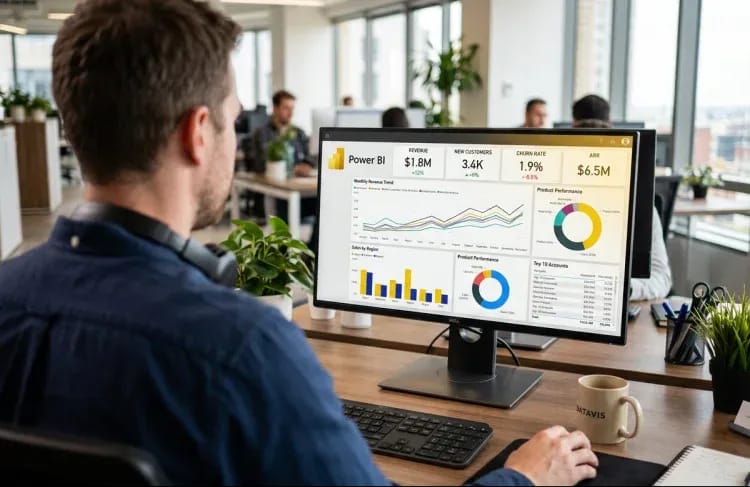
Sales, top products and payment method breakdowns roll up into reports built directly from the transaction log, giving store managers and the client's own team a consistent view of what's actually happening at the register.
The platform didn't just digitize the old process, it removed the reasons the old process was fragile in the first place.

Real-Time - Inventory Visibility Across Every Location
Store managers see stock levels and reorder alerts as they happen instead of reconciling counts at the end of the week, which cut down the guesswork behind restocking decisions.

Uninterrupted - Checkout During Connectivity Drops
The Electron client keeps processing sales locally when the internet goes down and syncs automatically once it's back, so a dropped connection no longer means a line of customers waiting at the register.

One System - Sales, Inventory, Staff and Customers Combined
Store operations that used to run across a POS, a spreadsheet and a separate time-tracking tool now live in one platform, cutting down the manual reconciliation between them.

Isolated - Data and Access Per Store Tenant
Each store's inventory, staff records and sales data stay separated at the architecture level, which let the client onboard new store tenants without re-engineering the data model each time.

Consistent - Hardware Setup Across Store Locations
Barcode scanners, printers and cash drawers connect through the same hardware abstraction layer at every store, so new locations come online without a custom integration project each time. Taken together, these changes addressed the original brief directly: one POS, flexible enough to run different store formats, reliable enough to keep selling when the network isn't, and structured so the client can bring on new retail tenants without rebuilding the foundation underneath them.

If you're running multiple store formats, juggling payment types, or tired of a POS that stops working the moment Wi-Fi drops, this is exactly the kind of build we take on. Response within 24 hours. No commitment required.
Solvios Technology not only created a new website, but a logo and its marketing campaigns, as well. They had well-established management that understood all of the client's needs, big or small. The team also commendably understood the client's industry.
The build ran in phases rather than one long sprint, partly because the client's own retail customers kept surfacing new requirements once early modules were in their hands.

We mapped the multi-store requirements, payment types and hardware the client needed to support, and made the tenant-isolation decision before any UI work started.

Built the ASP.NET Core API, the React-based admin panel and the core sales and inventory workflows on top of the multi-tenant data model.

Added employee management, loyalty and customer accounts, and the hardware abstraction layer connecting scanners, printers and cash drawers.

Built out the Electron offline client, the SignalR-based sync layer and tested tenant isolation under real multi-store conditions.

The engagement is ongoing. Solvios continues shipping improvements as the client onboards new retail tenants and surfaces new requirements from the field.
A multi-tenant POS enforces isolation at the database and API level, not just in the interface. Each store's inventory, staff records, sales history and customer accounts are scoped to that store's tenant ID, and access control checks run on every request through the backend, not the front end. This lets one platform serve many retail locations while guaranteeing no store can see or modify another's data, and lets new stores be onboarded without redesigning the schema for each one.
Yes, when the checkout client runs as a local Electron application rather than purely in a browser. Electron gives the system a local process and local storage, so sales keep processing and inventory keeps updating even when connectivity drops. Once the connection returns, a sync layer, typically built on something like SignalR, reconciles local transactions with the central database and resolves any conflicts. The API layer, usually ASP.NET Core, handles this reconciliation logic centrally.
A custom POS can support cash, checks, debit and credit cards, EBT, digital wallets and private customer accounts, provided the checkout flow is built around a single payment abstraction rather than separate logic per method. That abstraction lets new payment types be added later as an integration, not a rebuild of checkout. The right approach depends on the retailer's customer base and which payment processors and hardware, like card readers, they already use.
A focused single-store POS can ship in 8 to 14 weeks. A multi-tenant platform supporting several store formats, offline sync, hardware integration and loyalty programs typically runs 4 to 9 months for the initial build, with ongoing iteration afterward as real stores surface edge cases. Timelines depend heavily on how many payment methods, hardware devices and store-specific workflows need to be supported from day one.
Barcode scanners, receipt printers, cash drawers and card readers are the common baseline, connected through a hardware abstraction layer so the application logic doesn't need to know which manufacturer's device is plugged in at a given store. Building this layer up front, rather than writing device-specific code per integration, is what lets new store locations come online without a custom hardware project every time.
Didn't Find What You Were Looking For?
Get In Touch With Our Experts
We'd love to understand what you want to build. The more context you share, the faster we can give you a useful response not a sales pitch, but a genuine assessment of how we can help and what working together would look like.


Solvios is a leading software development company crafting innovative solutions for businesses. We Specialize in custom software, web & mobile app development, and digital marketing. Partner with us to transform your vision into reality and achieve digital success.


