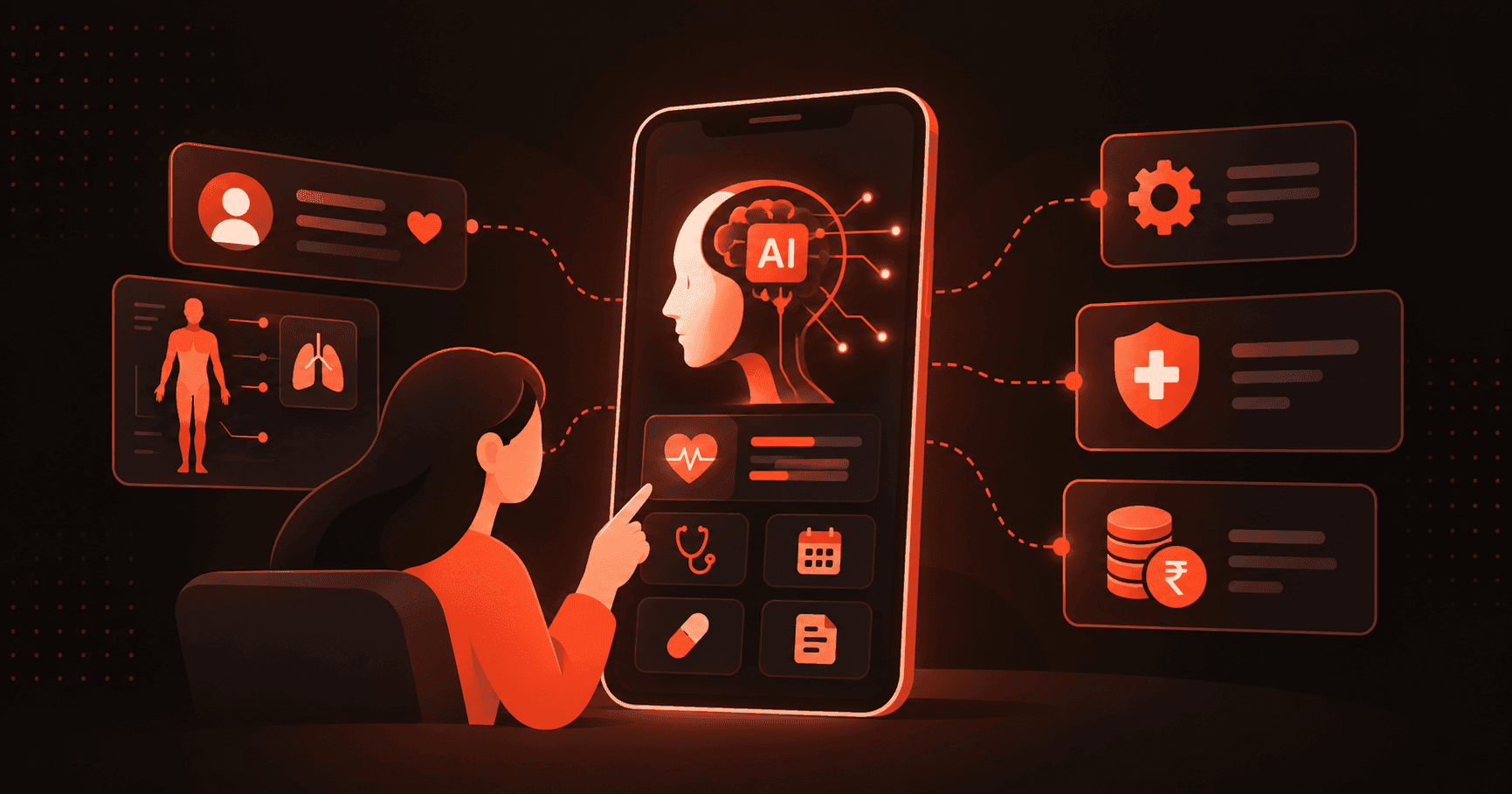
Introduction: AI Is Now a Product Decision, Not a Tech One
AI is growing rapidly, and there’s no denying it. Stats by Business of Apps suggest that the AI app sector marked $16.5 billion in revenue in 2025.
Three years ago, AI in apps meant chatbots that frustrated users and recommendation engines that missed badly. Today, the same features (when done right) drive retention, reduce operational costs, and create product experiences competitors struggle to replicate.
The businesses winning aren't the ones with the biggest AI budgets. They're the ones that picked the right problem, integrated cleanly, and measured what changed.
This guide covers exactly that. Let’s get started.
Before You Build - Get These Three Things Right
Most integrations fail before a single line of code gets written. Not because the technology didn't work, but because the thinking wasn't done first.
So before you’re set to build your app, here are a few questions worth discussing with your team:
Q. What problem are you actually solving?
Not "we want AI in our app"; focus on something specific. For instance, a SaaS company noticed users were churning after 45 days without triggering key features. They didn't need a chatbot; they needed a predictive model that flagged disengaged users early enough for the success team to intervene.
That specificity is what made the integration work. Vague goals produce weak outputs and wasted budget.
Q. Is your data in shape?
This is where most teams get humbled. AI performs as well as the data feeding it, and most apps have messier data than anyone wants to admit. Duplicate records, incomplete user histories, inconsistent formats across databases.
Before evaluating a single tool, audit what data exists, where it lives, and whether it's clean enough to build on. Fixing data mid-integration is expensive and slow.
Q. What does success look like in actual numbers?
- Support response time cut by half.
- Conversion rate up 15%.
- Churn reduced by 20% in 90 days.
Choose a metric you can measure that is relevant to business performance, not model accuracy or technical benchmarks. Without a baseline, you can't prove the integration did anything.
Step-by-Step: How to Integrate AI into an App
Step 1: Find One Problem Worth Solving
Not a feature list, not a roadmap. Find one friction point that costs the business real money or time right now.
A SaaS company losing users after 45 days doesn't need a chatbot; it needs a churn prediction model that flags disengagement early enough for someone to act.
Similarly, an eCommerce app having low conversion rates doesn’t need AI throughout its workflow. It needs a recommendation engine that recommends products before users leave. The framing changes everything that gets built after it.
Here’s a closer look at what to change:
- Customer-facing apps → recommendation engines, dynamic personalization, conversational AI
- Internal tools → document processing, workflow automation, predictive analytics
- Data-heavy operations → demand forecasting, anomaly detection, pattern recognition
Wrong use case means the right technology solving the wrong problem. Start specific and expand only after the first use case proves its value. If you're unsure which use case actually moves the needle for your product, an AI consulting engagement can help you prioritize based on ROI rather than guesswork.
Step 2: Pick the Approach That Matches Your Reality
There are usually three different approaches to app development, and most teams usually pick the wrong one by overestimating what they need on day one.
Pre-built APIs like OpenAI, Google Cloud AI, and AWS AI Services are where most businesses should start. They're fast, well-documented, and don't require a data science team to maintain.
Fine-tuning makes sense when generic outputs stop being accurate enough for your specific context. Custom models only justify their cost when the problem genuinely can't be solved any other way, and the scale makes the investment rational. Most teams that start with custom models wish they hadn't. A team experienced in AI integration services can help you weigh these trade-offs against your existing stack before you commit to a path.
Step 3: Fix the Data Before Touching the Technology
This step takes longer than anyone budgets for. It also determines whether the integration works or quietly underperforms from day one.
Raw data doesn't feed models directly. It needs cleaning, structuring, and in many cases labeling before it's useful. A SaaS company trying to build churn prediction on incomplete user activity logs will get a model that misses the users most likely to leave.
An eCommerce app training recommendations on inconsistent product data will surface items that don't match what the user actually wants.
- Standardize formats across every data source feeding the model
- Remove duplicates that skew scoring and segmentation outputs
- Label datasets properly for supervised learning; this takes time, not shortcuts
- Build continuous pipelines so new data flows in automatically, not in batches
Data quality is what separates an AI feature that improves over time from one that drifts and breaks quietly. This is also where solid data warehousing and BI foundations pay off, since a clean, centralized data layer is what any model downstream ultimately depends on.
Step 4: Build the AI Layer Without Overcomplicating It
The AI layer sits between the app's backend and the user interface. Inputs go in. Outputs come back. Users see results without knowing what's processed underneath.
Pre-built APIs are available via standard REST calls, the quickest way to get something working in production. For teams going deeper, AWS SageMaker, Google Vertex AI, and Azure ML handle the infrastructure complexity without making engineers wrangle raw compute servers.
One rule more teams realize than know: keep the AI layer separate from core app logic. Containment is what separates a quick fix from a rollback that takes down live features when things break. Mixing AI logic into core systems is how small errors become large outages.
This is precisely why teams increasingly bring in dedicated AI development services to architect this layer correctly the first time, rather than retrofitting it after something breaks in production.
Step 5: Test Like Production Will Surprise You
Standard testing catches obvious failures. Edge cases catch the ones that actually reach users. Feed the model unusual inputs and stress it with data it wasn't trained on.
- Check for bias: Models built on incomplete datasets make quietly discriminatory decisions that only surface after launch, not before.
- A/B test AI features against previous frameworks: If the AI-powered recommendation engine doesn't outperform the old rule-based one in a controlled test, that's critical information.
One thing worth adding before any customer-facing AI goes live: a human review loop. Not forever, but long enough to catch the patterns the model consistently gets wrong.
Step 6: Launch Small, Then Watch Everything
Full deployment on day one is how teams miss problems that a phased rollout would have caught early.
Start with a subset of users. Watch how the model behaves in production, not in staging, not in testing, in actual use. The edge cases that didn't show up in controlled environments will surface here, usually within the first two weeks.
- Monitor output quality closely for the first 60 days
- Track the KPIs set before the build began, not new ones invented post-launch
- Retrain on updated data when performance dips, and it will dip eventually
- Document failure states so the next person debugging knows where to look
AI that runs without monitoring degrades until users notice before the team does. That's the failure mode worth avoiding most. If your app already runs on a modern cloud and DevOps setup with proper CI/CD and observability, this phased rollout and rollback process is far less risky.
Challenges Worth Knowing About Before They Happen
When integrating AI into an app, you can’t wait for your systems to malfunction; you must prepare in advance. Here are some challenges worth knowing:
- Data gaps surface late: Teams discover data quality problems during integration, not before. Running a proper audit upfront is cheaper than rebuilding data pipelines mid-project when timelines are already tight.
- Models hallucinate: AI generates confidently wrong answers. Without human review loops on customer-facing outputs, errors reach users and erode trust fast. This isn't a theoretical risk; it happens regularly in early deployments.
- Existing systems push back: APIs time out. Logic built for one architecture doesn't transfer cleanly to another. Plan failure states deliberately. Production breaks are rarely dramatic; they're usually quiet failures that compound before anyone notices. This is a common pain point in projects that mix legacy systems with newer, AI-native development approaches, where brownfield constraints behave very differently than a clean, greenfield build.
- Teams resist what they don't understand: The best model in the world gets ignored if users don't trust it. AI that makes decisions without explanation loses adoption fast.
Best Practices That Hold Up Past Launch
One use case first: Broad rollouts dilute focus and make attribution impossible. Nail one thing, then scale.
Keep humans reviewing high-stakes outputs: Customer communications, financial decisions, escalated support. These aspects need oversight before reaching users.
Version control every model update: App behavior shifts when models update. Clean rollbacks require knowing exactly what changed and when.
Document failure states, not just successes: Integration logic, known edge cases, data pipeline quirks. The team that inherits this needs context, not just clean code.
How Solvios Can Help
Most teams know AI belongs in their product. What stalls them is knowing where to start without spending six months on the wrong approach.
Solvios works backward from business outcomes, not tool lists. We assess what data exists and whether it's ready, identify the use case with the clearest ROI, build integration layers that fit existing architecture, and monitor performance after launch so improvements compound over time.
- AI readiness assessment and integration strategy
- Use case identification and deployment roadmap
- Custom AI workflow and app integration build
- Post-launch monitoring and continuous optimization
Ready to integrate AI that actually delivers? Book a free consultation with Solvios today.

 Startups
 Fintech
 Healthcare
 Manufacturing
 Marketplaces
 Mortgage
 Real Estate
 Retail
 Sports and Fitness
 Telecom and IT
 Logistic
 SaaS Product
 About Us
 Blog
Blog Careers
 Become A Partner
 Contact


 About Us
 Blog
Blog Careers
 Become A Partner
 Contact